Flow cytometry
The instrument gives you a number.We show the file behind it.
Every FCS file, every dotplot, and a gate you can change.
Samples
Every sample the instrument ever ran.
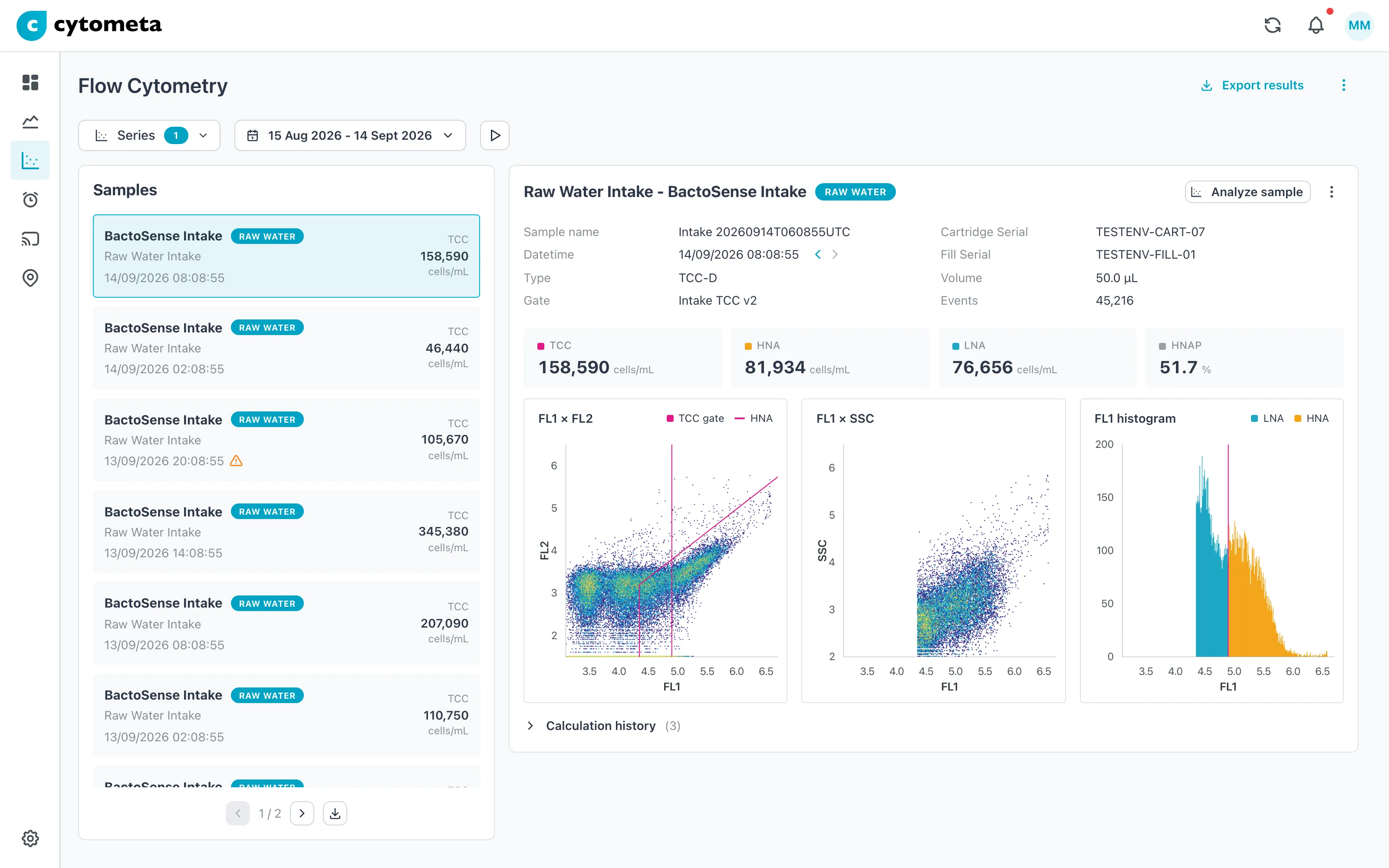
- Every FCS file, on screen.
- Total and intact cell count (TCC/ICC).
- Dotplots and histograms.
- Replay a week in seconds.
Regating
The gate was set once.It doesn't have to stay that way.
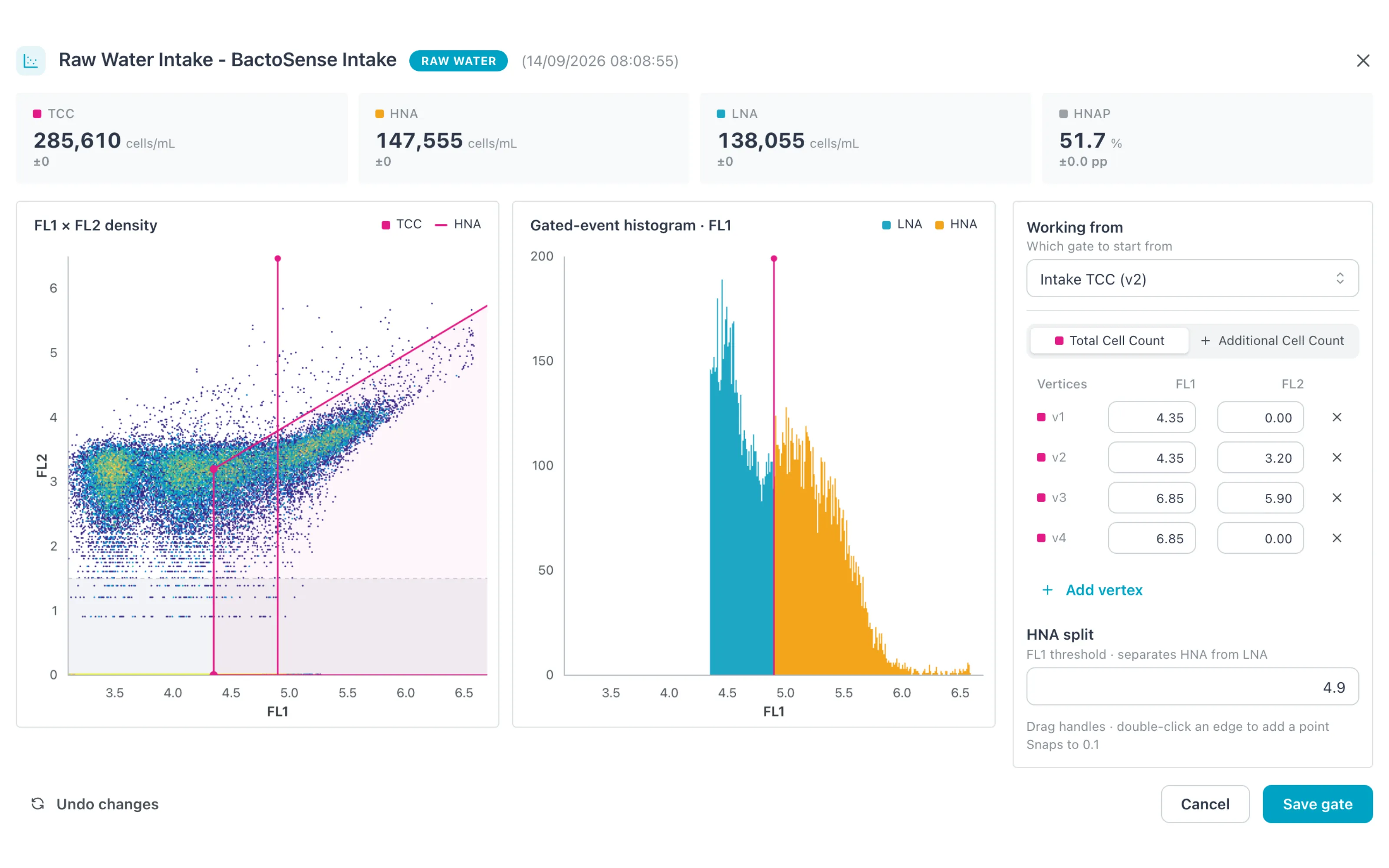
- Edit the gate in your browser.
- The cloud counts with your gate.
- Apply it to every sample.
- Recomputed from the original FCS files.
- Undo in one click.
How regating works
Three clicks, and the whole history follows.
01
Draw it
Open a sample, drag the gate on the dotplot. The cloud counts with your gate, the device keeps its own.
02
Apply it
One sample, a date range, or every sample on the device. Counts come back recomputed from the original FCS files.
03
Change your mind
The gate on the device stays as it is. Undo in one click and the old counts are back.
Instruments
It starts with the instrument you already own.
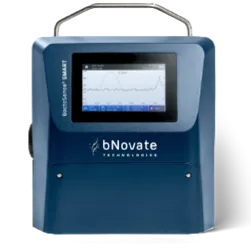
- bNovate BactoSense, read on site by the router.
- The same platform holds your chlorine, turbidity and pH.
- Alarms on cell count, like any other value.
Another cytometer? We add instruments on request.
Your data
The data lives in our platform.It doesn't have to stay there.
Get it into your SCADA, reports or analysis.
- REST API for your own data.
- The original FCS files.
- Excel export.
Get started
Start with one site.Keep it or send it back.
One site. One router. On screen within a week.
Request a trial- We ship the router.
- Your own data from day one.
- If it disappoints, we take it back.